Mentor Mode
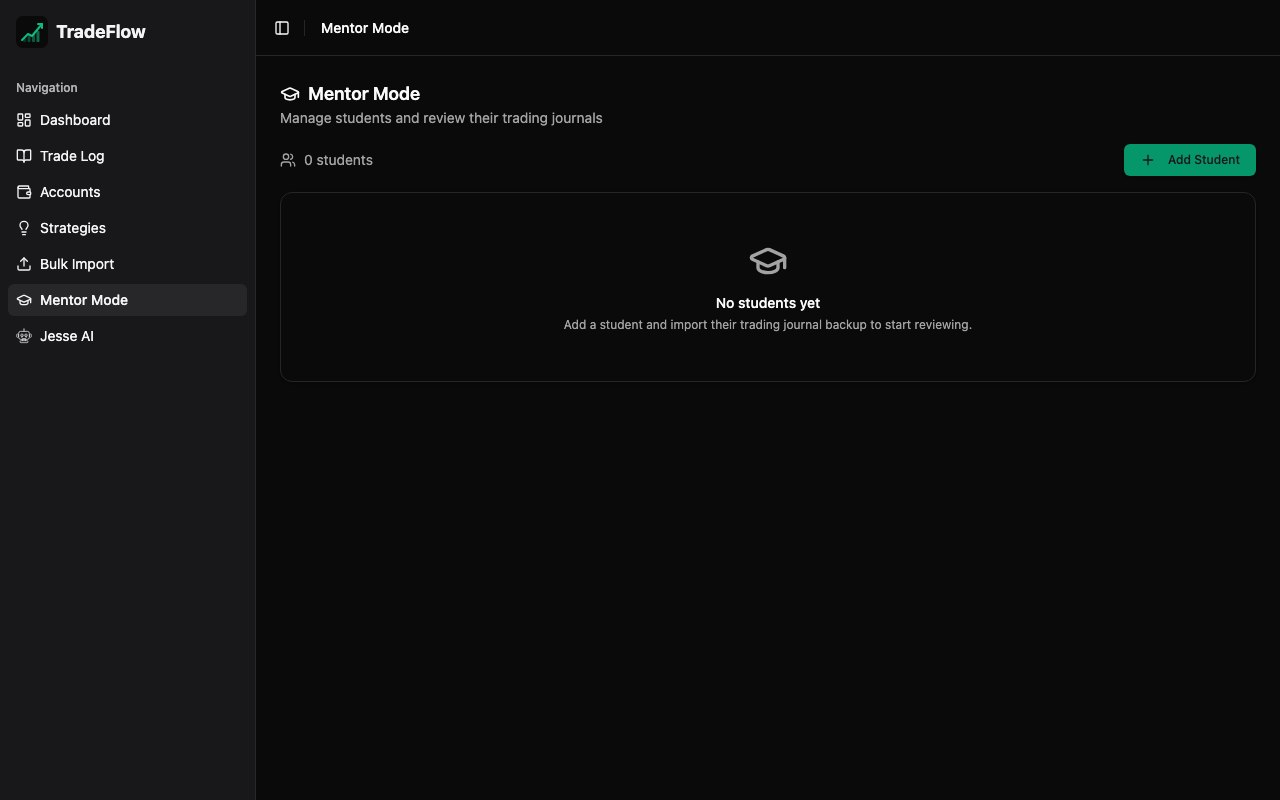
Mentor Mode is designed for trading coaches and mentors who review their students’ trades. It provides a completely isolated data environment for each student, separate from the mentor’s own trading journal.
Key Design Principles
- Complete Data Isolation — Each student has their own trades and strategies stored in separate database tables (
studentTrades,studentStrategies). Student data never mixes with the mentor’s personal trading data. - Mentor’s Own Trades Unaffected — The mentor’s Trade Log, Dashboard, and accounts remain entirely separate.
- Per-Student Strategies — Each student has their own independent set of strategies.
- Accounts Are Mentor-Only — Trading accounts belong to the mentor’s context. Students do not have accounts.
Managing Students
Student List View
The main Mentor Mode page shows a card grid of all students with:
- Student name
- Trade count and total P&L
- Quick action buttons (view, edit, delete)
Adding a Student
- Click Add Student
- Enter the student’s name and optional notes
- Click Save
Editing and Deleting
- Click the edit icon to update a student’s name or notes
- Deleting a student cascades — all of their trades and strategies are also deleted
Reviewing Student Trades
Click on a student card to enter the Student Detail view, which includes:
Student Header
- Student name, notes, and creation date
- Quick stats: trade count, total P&L, win rate
Student Trade Table
A full-featured trade table similar to the main Trade Log:
- Sortable columns (date, symbol, direction, P&L)
- Filtering by symbol, direction, win/loss, strategy
- Expandable accordion rows showing trade details
- Take-profit levels and chart images
Student Strategies
Each student has their own strategy list, independent of the mentor’s strategies.
Importing Student Trades
Use the Import Backup button in the student detail view to bulk-upload trades for a specific student:
- Select a
.zipbackup file (created by TradeFlow’s export feature) - The import reads trades and strategies from the backup
- Each trade is stamped with the student’s ID and saved to the
studentTradestable - Strategies are saved to the
studentStrategiestable - Accounts in the backup are ignored (accounts are mentor-only)
- Duplicate detection prevents importing the same trade twice
This allows mentors to receive TradeFlow backup files from students and load them for review.
Data Model
| Table | Fields | Purpose |
|---|---|---|
students | id, name, notes, createdAt | Student roster |
studentTrades | id, studentId, symbol, direction, entryDate, exitDate, strategyId, ... | Trades per student |
studentStrategies | id, studentId, name | Strategies per student |
All student data is indexed by studentId for efficient querying.